Connecting Instagram to Your Restaurant Website: Step-by-Step
Why Instagram on Your Website?
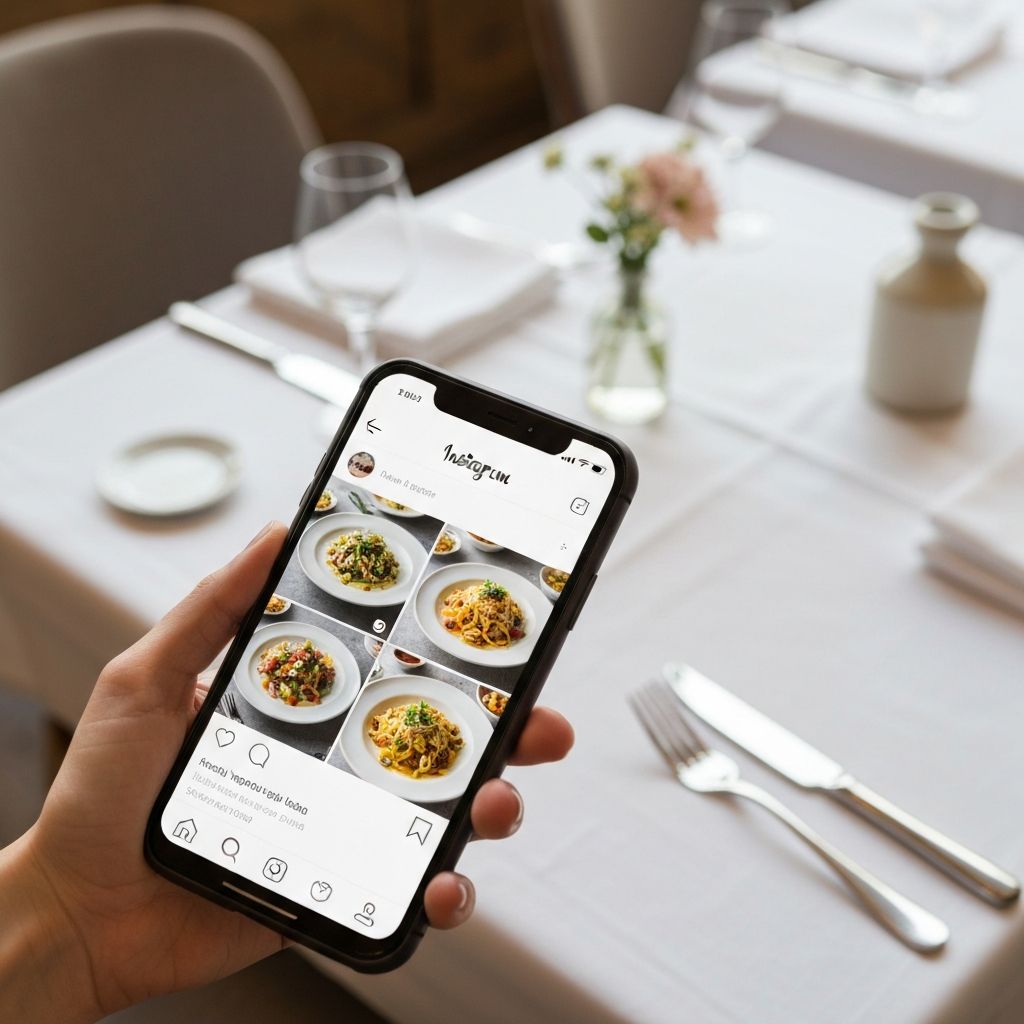
Instagram integration is one of the smartest moves you can make for your restaurant website. Here's why it works so well:
- Fresh content: Your website stays current without extra work
- Social proof: Visitors see you're active and popular
- Visual appeal: Beautiful food photos sell
- More followers: Website visitors become Instagram followers
- Higher engagement: Guests interact with your brand across multiple platforms
- Trust building: Real customer photos create authenticity
Restaurants with visible social media feeds on their professional websites see up to 40% longer visitor sessions and 25% higher conversion rates for reservations.
Option 1: Instagram Feed Widget
The easiest way is a widget that shows your latest posts.
Popular tools:
- Elfsight (€0-10/month)
- SnapWidget (free for basic)
- Smash Balloon (WordPress plugin)
- Instagram Feed by 10Web (WordPress)
Advantages:
- Quick to set up (15-30 minutes)
- No coding knowledge required
- Works on most platforms
Disadvantages:
- Dependent on external service
- Limited styling options
- Sometimes slow loading times
- Monthly costs add up
- Breaks if service shuts down
- Generic look that doesn't match your brand
Option 2: Custom Integration
We build Instagram feeds directly into the website with complete customization:
- Faster loading: Optimized images and efficient code
- Fully in your brand style: Colors, fonts, and layout match perfectly
- No external costs: One-time investment, no monthly fees
- Better mobile experience: Responsive design for all devices
- Clicking opens Instagram in new tab: Drive followers while keeping visitors on your site
- Advanced filtering: Show only specific hashtags or hide certain posts
This approach works perfectly for bar and café websites where visual branding is crucial.
Common Integration Mistakes to Avoid
1. Too Many Posts Displayed
Showing 20+ posts overwhelms visitors. Stick to 6-9 recent posts for the best effect.
2. Forgetting Mobile Optimization
Over 70% of Instagram users access it on mobile. Your feed must look perfect on smartphones.
3. No Call-to-Action
Add "Follow us on Instagram" with your handle prominently displayed.
4. Mixing Personal and Business Content
Keep your restaurant Instagram focused on food, atmosphere, and dining experiences.
5. Inconsistent Posting
An Instagram feed showing posts from 3 months ago does more harm than good. Post at least 2-3 times per week.
Tips for Better Food Photography
Your Instagram is only as good as your photos. Basic tips:
1. Natural Light
Photograph near a window during golden hours (late morning or early afternoon). No flash, no fluorescent lighting. Natural light brings out the true colors of your dishes.
2. Simple Background
Neutral colors like white, wood, or black. Let the food be the star. Avoid busy patterns or distracting elements.
3. Overhead or 45 Degrees
The two best angles for food photography. Overhead works for flat dishes like pizza or pasta. 45 degrees shows depth in burgers or layered desserts.
4. Garnishing Counts
A sprig of parsley, sesame seeds, or a drizzle of olive oil make the difference between amateur and professional shots.
5. Consistent Filtering
Use the same filter or editing style for a recognizable, cohesive feed. Create a visual brand identity.
6. Show the Action
Photograph the moment sauce is poured, cheese is pulled, or flames are ignited. Action shots create excitement.
7. Include People
Shots of happy guests, chefs at work, or staff smiling add warmth and human connection to your feed.
Instagram Content Ideas for Restaurants
Daily specials and dishes of the day - Create urgency and drive same-day visits
Behind-the-scenes in the kitchen - Show your process, quality ingredients, and passion
Introducing team members - Humanize your brand with chef spotlights and staff stories
Guest reviews and reactions (with permission) - User-generated content is powerful social proof
Seasonal ingredients - Highlight fresh, local produce and limited-time offerings
The story behind a dish - Share recipes, traditions, or inspiration
Guests enjoying their meal (ask permission) - Real dining experiences sell better than staged photos
Before and after transformations - Show prep to plated dish
Pairing suggestions - Wine with food, cocktail recommendations
Events and special occasions - Private parties, live music, themed nights
Instagram Stories vs Feed Posts
Feed Posts: Permanent content that defines your brand. Use for:
- Signature dishes
- Professional food photography
- Major announcements
- Menu highlights
Stories: Temporary 24-hour content. Perfect for:
- Daily specials
- Real-time kitchen action
- Polls and questions (boost engagement)
- Countdown to events
- Behind-the-scenes moments
The Technical Connection
For a professional integration you need:
Instagram Business Account - Free upgrade from personal account
Facebook Page linked to Instagram - Required for API access
Meta Developer Account - Create at developers.facebook.com
Instagram Basic Display API access - Allows website to pull feed data
Access tokens and authentication - Secure connection between Instagram and website
This is technical. Have a professional do it to avoid problems like:
- Broken feeds after Instagram updates
- Security vulnerabilities
- Rate limiting issues
- Token expiration errors
Combining Instagram with Other Features
Maximize your website's effectiveness by combining Instagram integration with:
- Digital menus - Show dishes on Instagram, link to full menu
- Online ordering - "Seen on Instagram, order now" buttons
- Reservation systems - Drive bookings from social proof
This integrated approach creates a seamless customer journey from discovery to booking.
Measuring Success
Track these metrics to see if your Instagram integration is working:
- Website time on page - Should increase with engaging content
- Instagram follower growth - New followers from website traffic
- Click-through rate - How many visitors click to Instagram
- Conversion rate - Reservations or orders after viewing feed
- Bounce rate - Should decrease with dynamic content
Ready to Upgrade Your Website?
Instagram integration is just one way to make your restaurant website work harder for you. Compare your options - custom development vs platform builders to see what fits your business best.
Want to professionally integrate Instagram on your website? Our team specializes in creating high-performance websites for hospitality businesses across Europe. Contact us and we'll arrange everything for you - from technical setup to design integration that matches your brand perfectly.

Written by HakmanDev
Specialist in hospitality websites. Helps restaurants, bars and cafés with professional online presence.
More about us →