Why Google My Business Is Crucial
When someone searches for "restaurant nearby" or "best pizza [city]", Google My Business determines who appears on top. A well-optimized profile can give you 3x more clicks.
Step 1: Claim and Verify Your Profile
Go to business.google.com
Search for your restaurant or add it
Verify via postcard, phone, or email
This takes 1-2 weeks
Tip: Have multiple locations? Create a separate profile for each location.
Step 2: Fill in All Information
Required:
- Correct business name (don't add keywords!)
- Address
- Phone number
- Website URL
- Opening hours (including holidays)
- Category: "Restaurant" + subcategory
Important:
- Description (750 characters, use keywords naturally)
- Attributes (terrace, WiFi, wheelchair accessible, etc.)
- Menu link
- Reservation link
- Price range
Step 3: Photos, Photos, Photos
Google profiles with photos get 42% more direction requests. Upload at least:
- Logo (square)
- Cover photo (atmosphere)
- 10+ photos of dishes
- 5+ photos of interior/exterior
- Team photos
Tip: Add new photos weekly. Google rewards active profiles.
Step 4: Collect Reviews
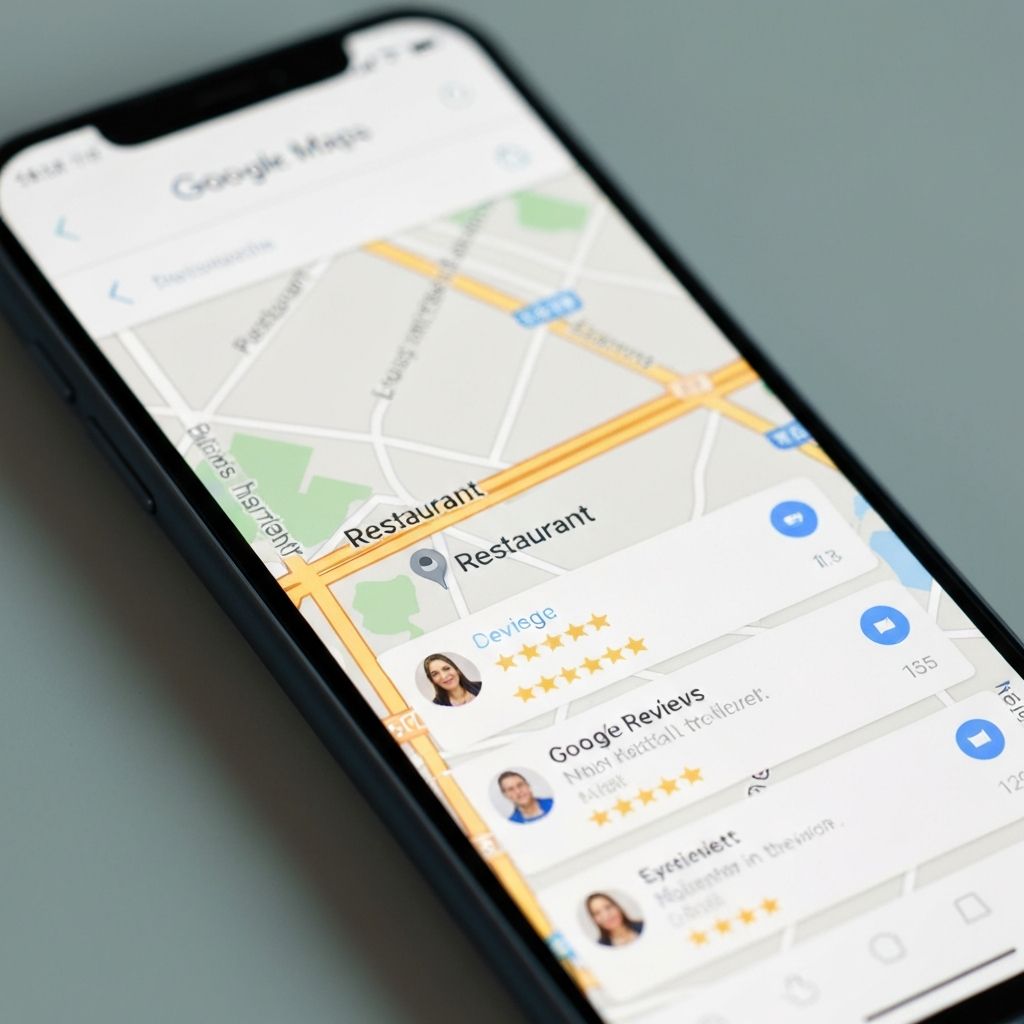
Reviews are the #1 factor for local rankings. Strategies:
Ask directly: After a compliment, ask for a review
QR code: On the bill or table
Follow-up email: After online reservation
Always respond: Especially to negative reviews
Goal: At least 50 reviews with 4.5+ stars.
Step 5: Post Updates
Few restaurants do this, so it's an easy win:
- Share special menus or promotions
- Announce events
- Post at least 1 update weekly
- Use images and call-to-actions
Step 6: Answer Questions
In the Q&A section people can ask questions. Answer them quickly and completely. You can also add and answer frequently asked questions yourself.
Checklist for Restaurant GMB
- [ ] Profile claimed and verified
- [ ] All basic information filled in
- [ ] Opening hours correct (including holidays)
- [ ] At least 15 photos uploaded
- [ ] Description with keywords
- [ ] Menu and reservation links added
- [ ] At least 20 reviews
- [ ] Responds to all reviews within 48 hours
- [ ] Posts at least 1 update weekly
Need help with your Google profile? We're happy to help. Contact us for a free check.

Written by HakmanDev
Specialist in hospitality websites. Helps restaurants, bars and cafés with professional online presence.
More about us →